
Microsoft Azure Administrator (AZ-104T00)
Training plan
01Module 1: Prerequisites for Azure administrators
5 topics
- Manage services with the Azure portal
- Introduction to Azure Cloud Shell
- Introduction to Bash
- Introduction to PowerShell
- Deploy Azure infrastructure by using JSON ARM templates
02Module 2: Manage identities and governance in Azure
6 topics
- Understand Microsoft Entra ID
- Create, configure, and manage identities
- Describe the core architectural components of Azure
- Azure Policy initiatives
- Secure your Azure resources with Azure role-based access control (Azure RBAC)
- Allow users to reset their password with Microsoft Entra self-service password reset
03Module 3: Configure and manage virtual networks for Azure administrators
8 topics
- Configure virtual networks
- Configure network security groups
- Host your domain on Azure DNS
- Configure Azure Virtual Network peering
- Manage and control traffic flow in your Azure deployment with routes
- Introduction to Azure Load Balancer
- Introduction to Azure Application Gateway
- Introduction to Azure Network Watcher
04Module 4: Implement and manage storage in Azure
4 topics
- Configure storage accounts
- Configure Azure Blob Storage
- Configure Azure Storage security
- Configure Azure Files
05Module 5: Deploy and manage Azure compute resources
5 topics
- Introduction to Azure virtual machines
- Configure virtual machine availability
- Configure Azure App Service plans
- Configure Azure App Service
- Configure Azure Container Instances
06Module 6: Monitor and back up Azure resources
4 topics
- Introduction to Azure Backup
- Protect your virtual machines by using Azure Backup
- Introduction to Azure Monitor
- Improve incident response with Azure Monitor alerts
Course previews
Recommended prerequisite knowledge
- Understanding of on-premises virtualization technologies, including: VMs, virtual networking, and virtual hard disks.
- Understanding of network configuration, including TCP/IP, Domain Name System (DNS), virtual private networks (VPNs), firewalls, and encryption technologies.
- Understanding of Active Directory concepts, including users, groups, and role-based access control.
- Understanding of resilience and disaster recovery, including backup and restore operations.
Credentials and certification
Exam features
Exam topics
Career Advancement Pathway
Advance to Expert-Level Certification
Completing your AZ-104 (Microsoft Certified: Azure Administrator Associate) certification opens the door to prestigious Expert-level credentials. This Associate certification serves as a foundation for advanced Azure DevOps and solution architecture roles.
Choose Your Expert Certification Path
Option 1: Azure Solutions Architect Expert
Your AZ-104 certification qualifies you to pursue the Microsoft Certified: Azure Solutions Architect Expert certification by completing the AZ-305 (Designing Microsoft Azure Infrastructure Solutions) course. This Expert-level credential validates comprehensive skills in designing infrastructure, applications, and Azure solutions that meet technical and business requirements.
Option 2: Azure DevOps Engineer Expert
Your AZ-104 certification also qualifies you to pursue the Microsoft Certified: DevOps Engineer Expert certification by completing the AZ-400 (Designing and Implementing Microsoft DevOps Solutions) course. This Expert-level credential validates comprehensive skills in designing and implementing DevOps strategies, including continuous integration, continuous deployment, and process automation.
Alternative Pathways Available
Microsoft Certified: Azure Solutions Architect Expert
AZ-104 is the only foundation certification for this Expert-level credential – no alternative pathway available.
Microsoft Certified: DevOps Engineer Expert
Alternative foundations for this Expert certification include: AI-200 Azure AI Cloud Developer Associate + AZ-400.
Why Pursue Expert Certification?
- Demonstrate advanced expertise in Azure architecture or DevOps engineering
- Qualify for senior technical roles and leadership positions
- Increase earning potential with industry-recognized Expert credentials
- Stand out in competitive job markets with specialized certifications
- Azure Solutions Architect Path: In-depth knowledge of infrastructure design, implementation of comprehensive solutions, and enterprise-scale solution architecture
- DevOps Engineer Expert Path: Advanced mastery of continuous integration, continuous deployment, process automation, and enterprise pipeline development
Ready to Advance?
Choose your path:
Microsoft Azure Admin training (AZ-104)
The Microsoft Certified: Azure Administrator Associate (AZ-104) training provides IT professionals with the skills needed to manage and monitor Microsoft Azure environments. This course covers essential topics such as managing Azure subscriptions, configuring compute and storage resources, administering virtual networks, and securing cloud identities. Participants will learn to optimize Azure resources to meet the specific needs of their organizations.
This training is ideal for Azure administrators and professionals responsible for managing cloud services in an enterprise environment.
Why Choose the Azure Administrator Associate Training?
With the growing adoption of cloud solutions, companies are looking for experts who can efficiently manage their Azure environments. The Azure Administrator Associate (AZ-104) certification validates your skills in managing and monitoring cloud resources, ensuring the security and availability of applications and services. This course provides practical knowledge and real-world scenarios to strengthen your ability to administer a robust cloud infrastructure.
By completing this training, you will gain the expertise needed to meet the modern challenges of cloud computing and maximize your organization’s efficiency.
Key Skills Taught in the Training
Learn how to manage subscriptions, analyze costs, and efficiently allocate resources to optimize performance and expenditure.
Discover how to deploy, configure, and monitor virtual machines in Azure, including advanced scenarios such as auto-scaling and backup management.
Understand how to configure storage accounts, implement backup solutions, and optimize storage performance for your applications.
Master the configuration of virtual networks, subnets, network security groups, and VPN gateways to connect hybrid or cloud-native environments.
Learn to manage identities and access using Microsoft Entra ID, RBAC roles, and security policies for effective access control.
Explore monitoring tools, configure alerts, and use dashboards to oversee and troubleshoot performance and security-related issues.
Instructor-Led Training for Comprehensive Learning
The Azure Administrator Associate (AZ-104) training is delivered by Microsoft-certified experts. Through interactive sessions and hands-on exercises, you’ll have the opportunity to apply your knowledge to real-world scenarios. This learning format ensures that you are well-prepared to pass the certification exam and apply your skills in professional environments.
Laboratory environment (overview)
You will practice in a structured lab environment with guided steps to validate your progress throughout the exercises. Depending on the lab, it is usually possible to save your progress and resume the steps later, making it easier to practice between sessions.
To ensure a complete experience, a Microsoft 365/Azure tenant environment may be provided to access the features required for the course scenarios (depending on the module requirements and lab conditions).
After the training, access to the lab remains available for a defined period. Tenant access may be time-limited, while access to the virtual machines and guided steps remains available for up to 180 days.
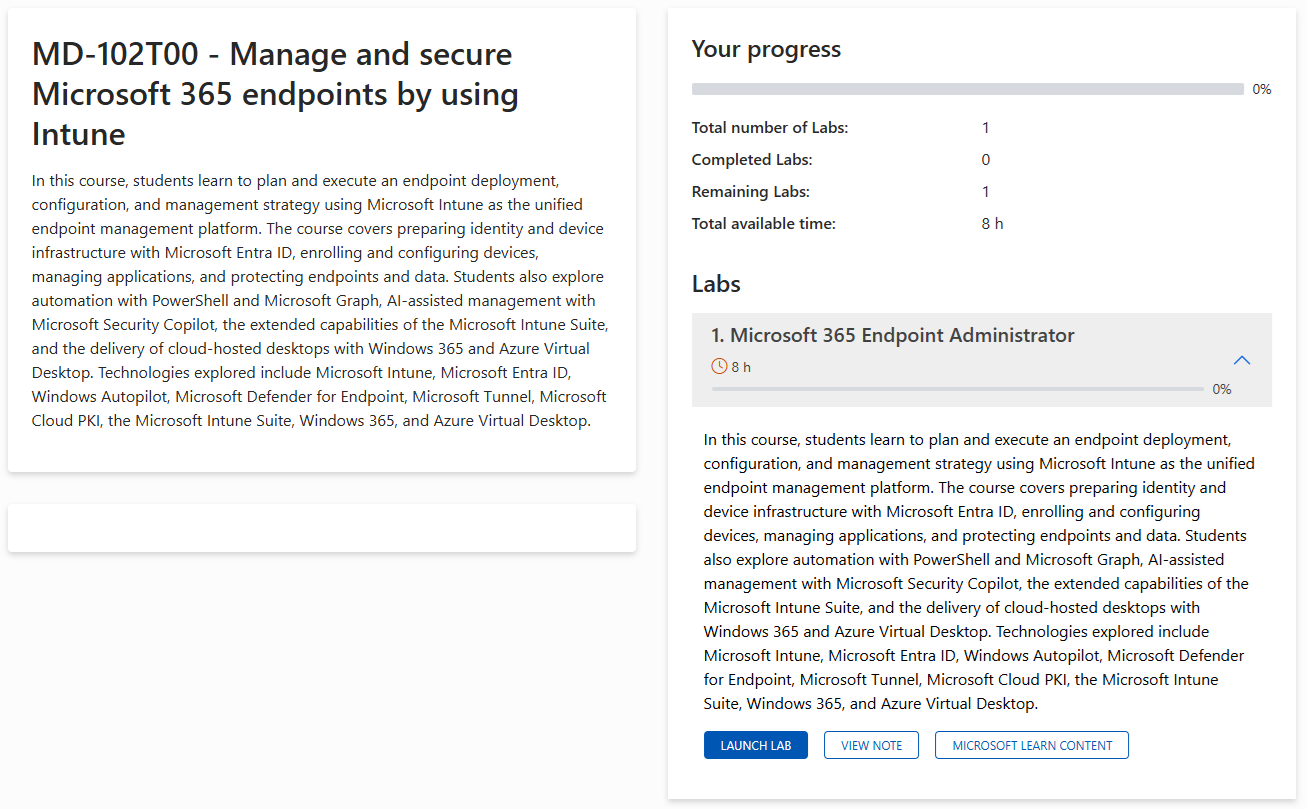
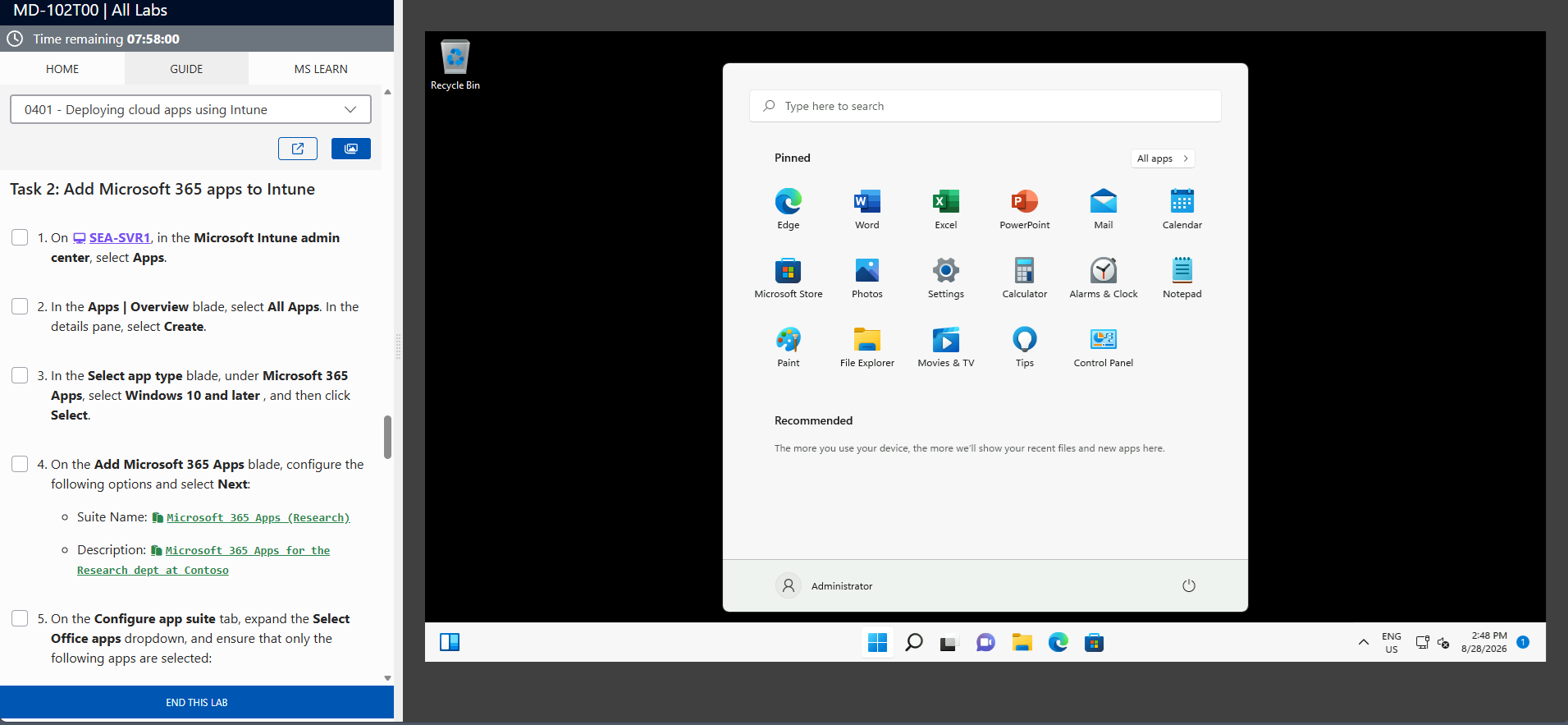
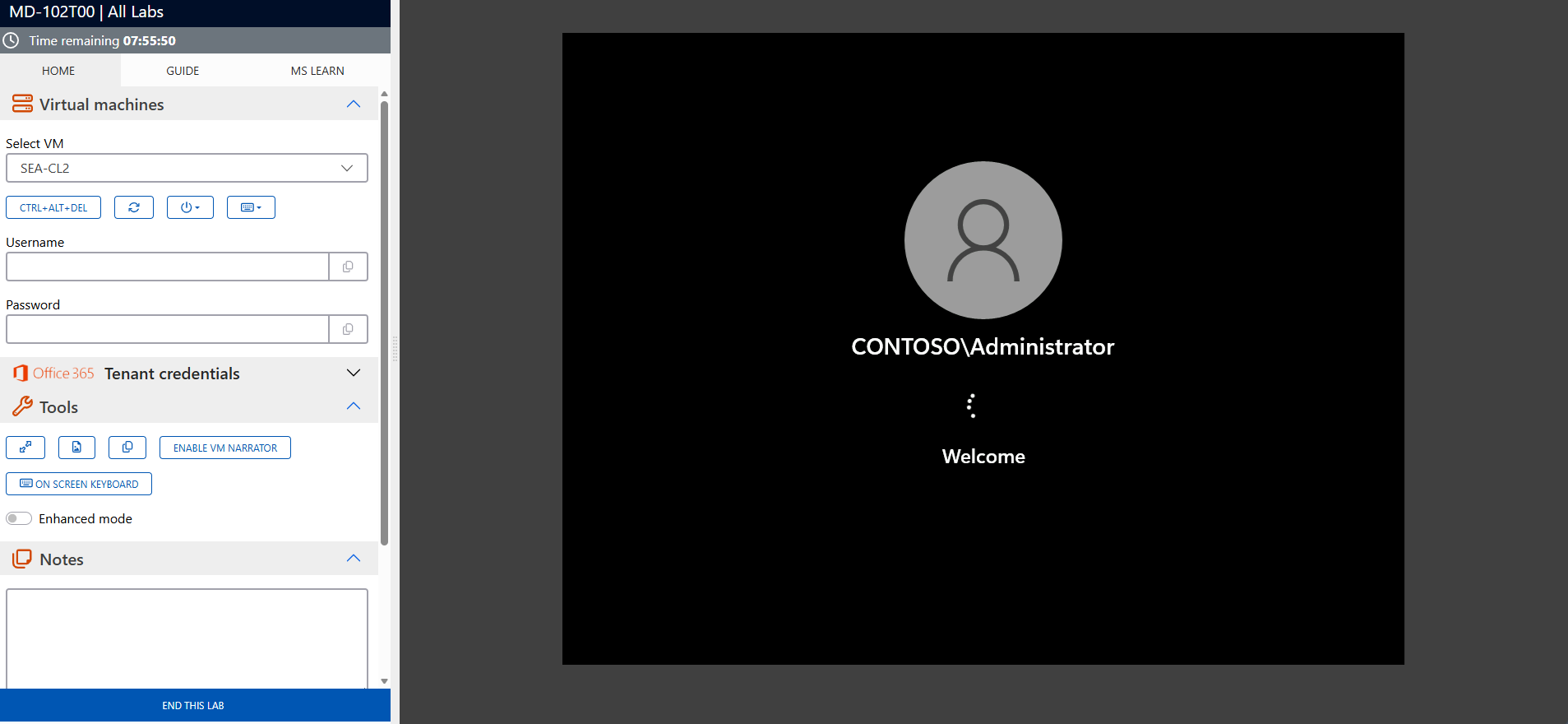
The screenshots above are provided as examples and may vary depending on the lab version and updates.
Who Should Attend?
This training is ideal for:
- Azure administrators responsible for managing cloud resources and services
- Cloud engineers seeking to strengthen their skills in Azure infrastructure management
- IT professionals preparing for the Azure Administrator Associate (AZ-104) certification
- Companies looking to enhance their teams with Azure-certified experts
Take on Cloud Challenges with Azure
The Microsoft Certified: Azure Administrator Associate (AZ-104) training prepares you to efficiently manage Azure environments and support your organization’s cloud initiatives. Enroll today to earn your certification and build strategic skills for your career.
AZ-104 Exam Success Strategies
Mastering the AZ-104 certification requires more than technical knowledge – strategic preparation, effective time management, and optimal mental performance are equally crucial for success.
AZ-104 Exam Statistics & Success Rates
on first attempt (Microsoft Associate level average)
for passing candidates
for experienced IT professionals
of candidates require a second attempt
Study Method Comparison
| Study Approach | Duration | Pass rate | Best for |
|---|---|---|---|
| Hands-on Practice Only | 4-5 weeks | 45-55% | Experienced admins |
| Documentation + Practice | 6-7 weeks | 70-75% | Methodical learners |
| Training + Labs + Practice | 6-8 weeks | 85-90% | Comprehensive preparation |
| Practice Tests Only | 2-3 weeks | 35-45% | Not recommended |
Strategic Study Approach
- Create a 6-8 week study timeline – Don’t cram for this Associate-level exam
- Follow the 70-20-10 rule – 70% hands-on practice in Azure portal, 20% reading documentation, 10% practice
- Focus on scenario-based learning – AZ-104 emphasizes real-world Azure administration over memorization
- Study in 90-minute focused blocks with 15-minute breaks to maximize retention
Common Exam Pitfalls to Avoid
- Don’t confuse Microsoft Entra roles with Azure RBAC roles – understand the difference between directory roles and resource management roles
- Virtual network peering vs. VPN Gateway scenarios – know when to use each connectivity option and their limitations
- Storage account types and performance tiers – distinguish between Standard/Premium and Hot/Cool/Archive access tiers
- VM sizing and scaling configurations – understand when to use scale sets vs. availability sets vs. availability zones
- Backup and disaster recovery strategies – know the differences between Azure Backup, Site Recovery, and geo-replication
- Cost management and resource optimization – understand how to monitor, analyze, and optimize Azure spending
Topic Weight Distribution
| Exam Domain | Weight | Focus Areas | Priority |
|---|---|---|---|
| Manage Azure Identities and Governance | 20-25% | Microsoft Entra ID, RBAC, policies, subscriptions | Critical |
| Implement and Manage Storage | 15-20% | Storage accounts, backup, file services | High |
| Deploy and Manage Azure Compute Resources | 20-25% | VMs, containers, App Services | Critical |
| Configure and Manage Virtual Networking | 10-15% | VNets, load balancers, application gateways | Critical |
| Monitor and Maintain Azure Resources | 10-15% | Azure Monitor, Log Analytics, alerts | Medium |
Exam Day Time Management
- Allocate 90 seconds per question on average – this gives buffer time for complex scenarios
- Read case studies completely first before attempting related questions
- Flag uncertain questions and return to them – don’t get stuck on difficult items
- Reserve 15 minutes at the end for reviewing flagged questions and checking answers
Managing Exam Stress & Performance
- Get 7-8 hours of quality sleep the night before – avoid last-minute cramming
- Arrive 30 minutes early to settle in and complete check-in procedures calmly
- Use deep breathing techniques if you feel overwhelmed during the exam
- Trust your preparation – your first instinct is usually correct on scenario questions
Technical Preparation Tips
- Practice with Azure portal, PowerShell, and CLI – know multiple ways to accomplish the same tasks
- Master Azure Resource Manager templates – understand how to deploy and manage resources using ARM templates
- Understand networking concepts thoroughly – this is heavily weighted and often confuses candidates
- Review cost management tools – know how to monitor, analyze, and optimize Azure resource costs
Final Week Preparation
- Take 2-3 practice exams to identify knowledge gaps and build confidence
- Review Microsoft’s official exam objectives one final time
- Avoid learning new concepts – focus on reinforcing what you already know
- Prepare your exam day logistics – route to test center, required identification, arrival time
Mental Preparation Strategies
- Visualize success scenarios – imagine yourself confidently answering questions
- Remind yourself of your hands-on experience – you’ve likely configured many of these Azure services before
- Stay positive during difficult questions – every candidate faces challenging scenarios
- Remember that 700/1000 passes – you don’t need perfection, just solid competency
How to Schedule Your AZ-104 Exam
- Official Testing Provider: Pearson VUE is Microsoft’s authorized testing partner for AZ-104
- Scheduling Process: Create a Pearson VUE account, search for “AZ-104”, select your preferred test center and date
- Exam Cost: Included with your Eccentrix training – exam voucher provided
- Scheduling Timeline: Book at least 2-3 weeks in advance for better time slot availability
- Rescheduling Policy: Free rescheduling up to 24 hours before your exam appointment
- Required ID: Government-issued photo ID (passport, driver’s license) matching your registration name exactly
Frequently asked questions
What topics are covered in the AZ-104 training?
The training covers managing Azure subscriptions, configuring compute and storage resources, administering virtual networks, and securing cloud identities.
Who is this course designed for?
This course is intended for Azure administrators, cloud engineers, and IT professionals looking to specialize in Azure infrastructure management.
What prior knowledge is required to attend this training?
Practical experience with Microsoft Azure services and a basic understanding of networking, storage, and virtualization concepts are recommended.
How does this training prepare for the AZ-104 certification?
The course aligns with the objectives of the AZ-104 certification exam, providing practical skills and real-world scenarios to ensure your success.
What tools and platforms are covered in this course?
The training focuses on tools like Azure Portal, Azure PowerShell, and Azure CLI, as well as services such as Microsoft Entra ID and virtual networks.
What are the career benefits of this certification?
The Azure Administrator Associate certification validates your expertise in managing cloud services, making you eligible for advanced career opportunities in cloud computing.
Is the Azure Administrator Associate training available as a live virtual classroom?
Yes, this training is offered as a live, interactive virtual classroom via Microsoft Teams, allowing participants to attend remotely while engaging in hands-on labs and expert guidance.
What practical skills will I gain from the Azure Administrator Associate training?
You will learn to manage Azure subscriptions, configure virtual networks, deploy and scale virtual machines, implement storage solutions, and monitor Azure resources, preparing you for real-world cloud administration challenges.